Website Down? A 10-Minute Troubleshooting Checklist
 MD Rakibul Islam RakibFull-stack developer, DevOps & Linux engineer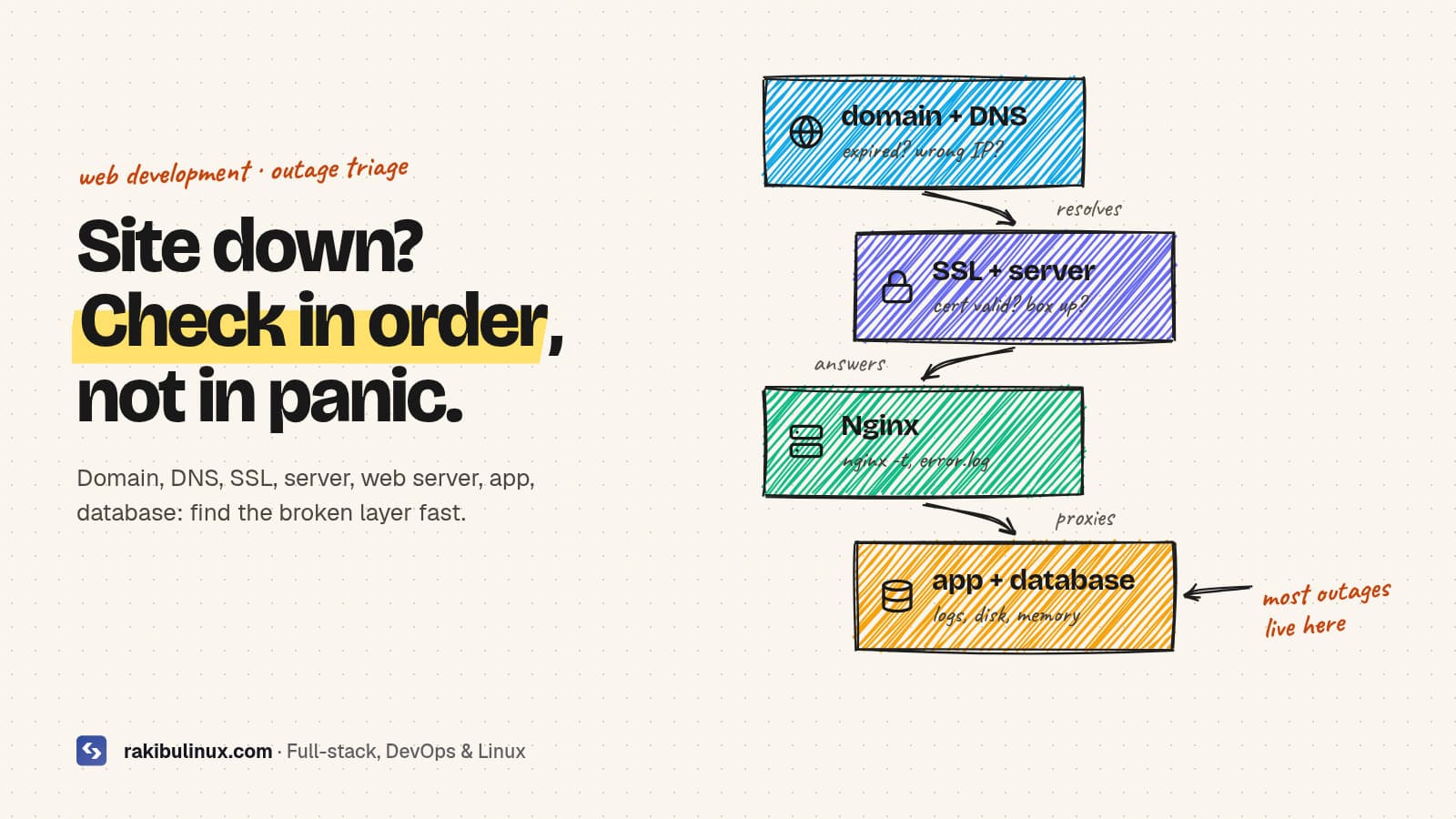
When a website is down, check each layer in order: domain, DNS, SSL, server, web server, then app and database. The first broken layer is the cause.
When a site goes down, the natural reaction is to try random fixes: restarting things, clearing caches, calling the hosting company. The faster way is boring: walk down the stack one layer at a time and stop at the first one that's broken. Every website request goes through the same chain (domain, DNS, TLS certificate, server, web server, application, database), and an outage is almost always one broken link. This is the checklist I follow. It finds most outages in minutes.
Key takeaways
- First check if it's down for everyone, from another network, before changing anything.
- The error tells you the layer: "server not found" is DNS, a certificate warning is SSL, a timeout is the server or firewall, 502/503 is the app.
- Expired domains and certificates are the most embarrassing and most preventable outages.
- Full disks and out-of-memory kills are the most common server-side causes I find.
- Write down what you change, so you can undo it and explain the outage later.
Step 1: Is it down for everyone?
Test from your phone on mobile data (not your office Wi-Fi) and from the command line:
curl -sS -o /dev/null -w '%{http_code} %{time_total}s\n' https://example.com
If it works elsewhere, the problem is local: your DNS cache, VPN, office firewall, or your IP being blocked by the server's firewall or fail2ban. If it's down everywhere, note the exact error message and the time, then keep going.
Step 2: Domain and DNS
Errors like "This site can't be reached" or DNS_PROBE_FINISHED_NXDOMAIN point here.
dig +short example.com A
dig +short www.example.com
dig +short example.com A @1.1.1.1      # ask a public resolver directly
whois example.com | grep -i -E 'expir|status'
- No answer at all: check the domain hasn't expired, and that the nameservers at your registrar are the ones hosting your DNS records.
- Wrong IP: someone changed a record, or you moved servers and the old IP is still set. Fix the record; changes can take up to the record's TTL to spread.
- Status
clientHoldorserverHold: the registrar suspended the domain, usually for non-payment or an unverified email. Only the registrar can lift it.
Step 3: SSL certificate
If browsers show "Your connection is not private" or NET::ERR_CERT_DATE_INVALID, the certificate expired or doesn't match the domain:
echo | openssl s_client -connect example.com:443 -servername example.com 2>/dev/null | openssl x509 -noout -dates -subject
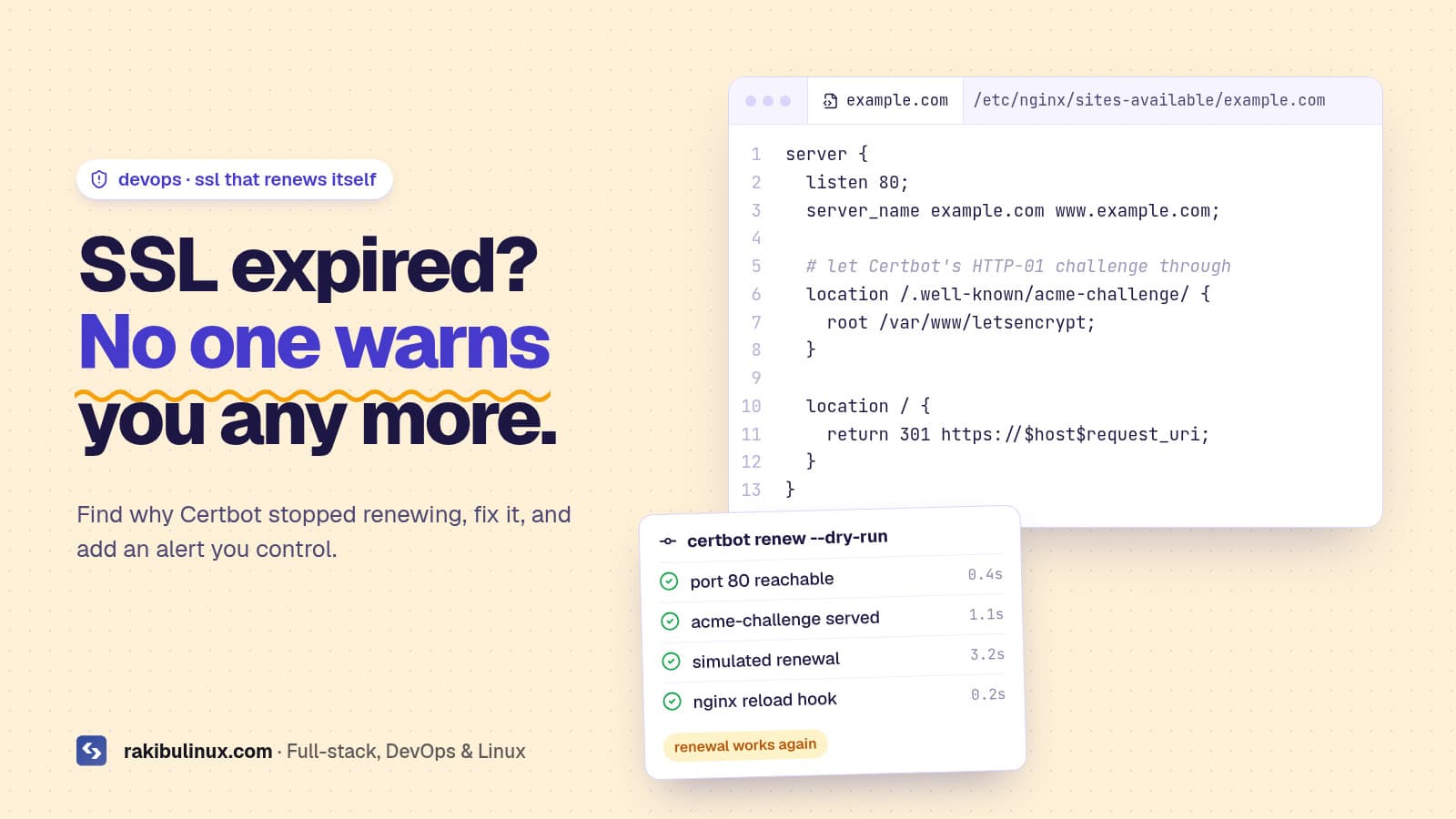
An expired Let's Encrypt certificate means automatic renewal broke, often weeks ago. Let's Encrypt stopped sending expiry reminder emails in 2025, so nobody gets warned any more. My guide to fixing a failed Certbot renewal walks through it.
Step 4: Is the server reachable?
A browser that spins and then times out suggests the server itself, the network or a firewall:
ping -c 3 203.0.113.10
nc -zv -w5 203.0.113.10 443
ssh you@203.0.113.10
- Nothing responds, SSH fails too: check your provider's dashboard and status page. The server may be off, out of credit, suspended for abuse, or under a DDoS. Use the provider's web console if SSH is dead.
- SSH works but 443 doesn't: the web server is down or a firewall rule changed. Check
sudo ufw statusand your cloud firewall. - SSH is very slow: the server is overloaded. Run
uptimeandtop; a load far above the CPU count means something is eating it.
Step 5: The web server (Nginx or Apache)
sudo systemctl status nginx
sudo nginx -t
sudo tail -n 50 /var/log/nginx/error.log
If Nginx won't start, nginx -t shows the broken line, usually from a recent config edit or a certificate file that moved. If Nginx runs but returns 502 or 504, the app behind it is the problem. My Nginx 502 Bad Gateway guide covers every log message.
Step 6: The application
pm2 status && pm2 logs --lines 100      # Node / Next.js
sudo systemctl status myapp              # systemd services
docker ps -a && docker logs --tail 100 myapp
Look for a crash loop and the last error before it. Common causes: a deploy with a missing environment variable or failed build, an expired API key for a payment or email provider, or a dependency service that's down. If a deploy just happened, rolling back is often the fastest fix. With release folders that's one symlink swap, as in my CI/CD with automatic rollback setup.
Step 7: Resources and the database
df -h /                       # disk full?
df -i /                       # out of inodes?
free -h                       # memory
sudo journalctl -k --since today | grep -i oom
sudo systemctl status postgresql mysql 2>/dev/null | grep -E 'Active|●'
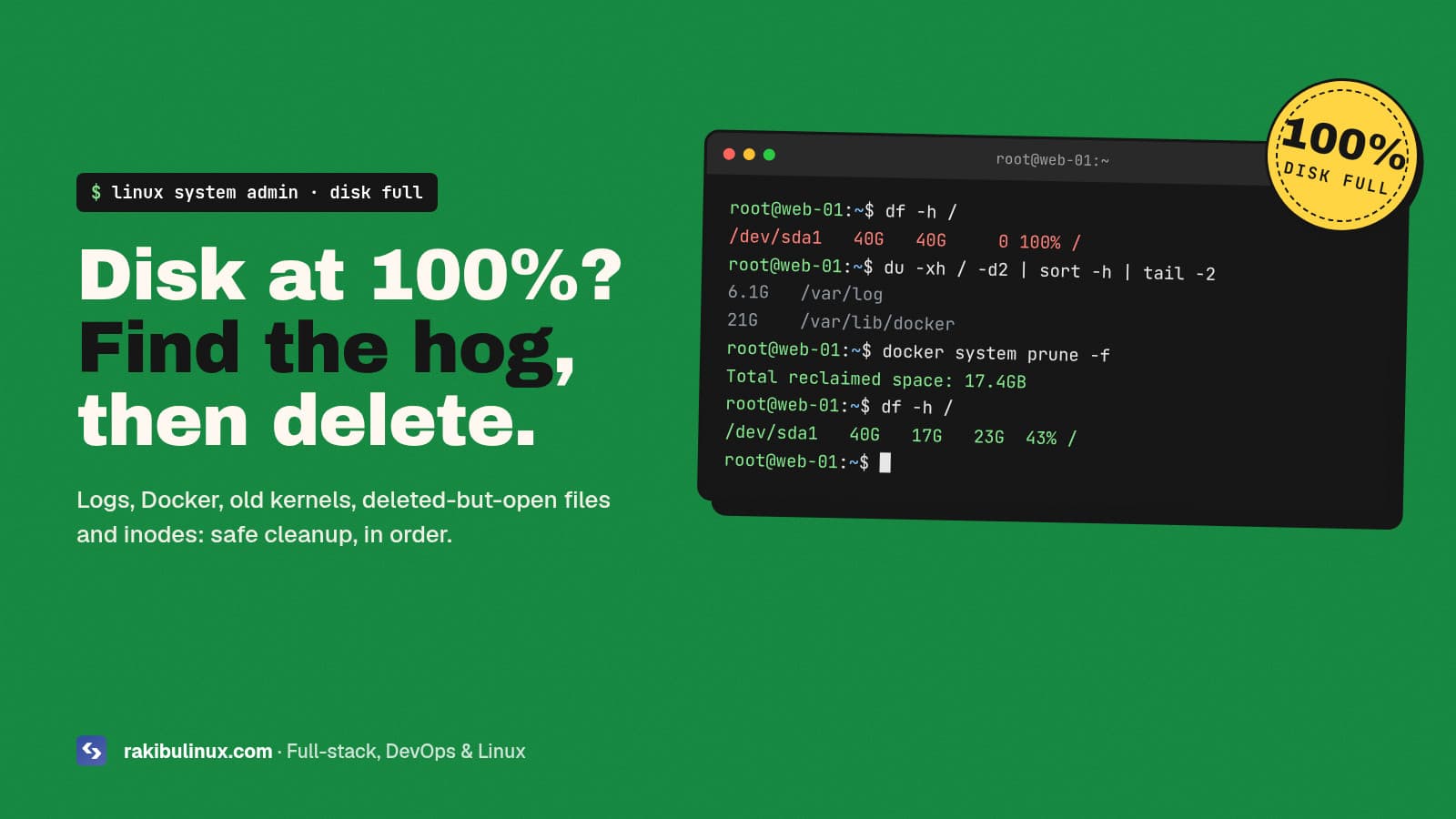
A full disk stops databases from writing and apps from logging, and it causes some very confusing errors. Fix it with my "No space left on device" guide. If the OOM killer appears in the kernel log, something used all the memory and got killed; add swap and find out what grew.
Step 8: Could it be a hack?
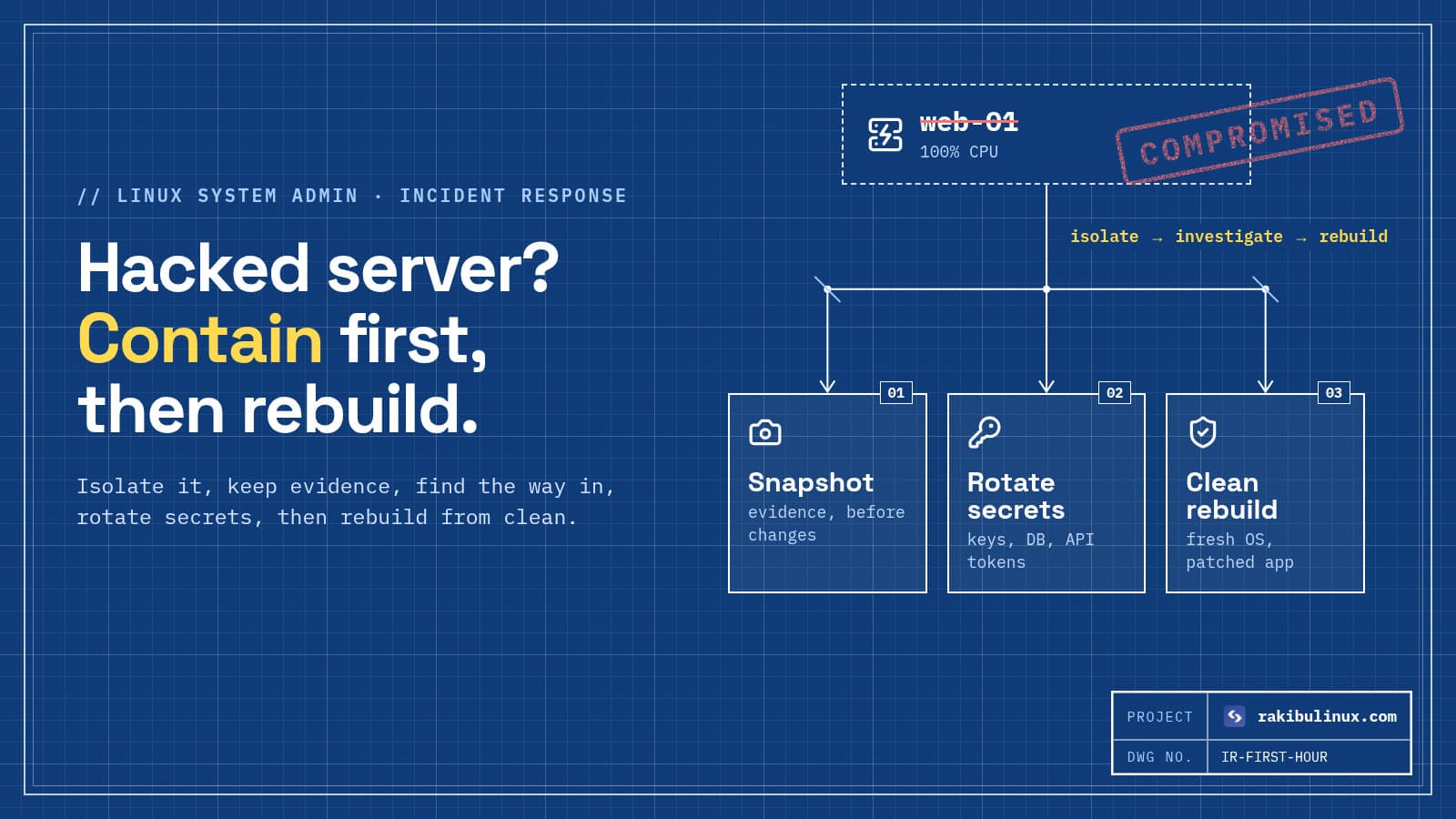
If the site shows content you didn't publish, redirects to spam, your provider suspended you for abuse, or the CPU is pinned at 100% by a process you don't recognise, treat it as a security incident, not an outage. Don't just restore and move on. Follow what to do when a Linux server is hacked.
After it's back: prevent the next one
- Turn on auto-renew for the domain and check the payment card on file.
- Add external monitoring for uptime, SSL expiry and domain expiry, with alerts to your phone.
- Alert on disk and memory before they run out.
- Make deploys reversible with health checks and automatic rollback.
- Write a short post-mortem: what broke, how long, what you changed. It's the cheapest way to stop repeats.
Frequently asked questions
How do I check if a website is down for everyone or just me?
Open it on mobile data instead of your usual network, or run curl -I against it from another machine. If it works elsewhere, the problem is your network, DNS cache, or your IP being blocked.
Why is my website down but the server is running?
The server can be up while a layer above it is broken: Nginx stopped, the application crashed, the database is down, the disk is full, or the SSL certificate expired. Check them in that order.
Can an expired domain take my website down?
Yes. When a domain expires, the registrar stops serving its DNS, so the site and email stop working. Most registrars give a grace period to renew, but after that the domain can be lost.
How long does it take to fix a website outage?
Most outages caused by a crashed app, full disk or expired certificate are fixed within an hour once the cause is found. DNS changes can take longer to spread, and hacked servers need a proper cleanup or rebuild.
Should I contact my hosting provider first?
Check their status page first. If they report no incident and the server responds to SSH, the problem is almost always in your own configuration or application, which their support usually won't fix.
Site down and need it back now?
I troubleshoot and fix website outages on Linux servers and VPS hosting, then add the monitoring, alerts and safe deploys that stop it happening again. See my web development services or contact me with your domain and what you're seeing.

Written by
MD Rakibul Islam Rakib
Full-stack developer, DevOps engineer and Linux system administrator with 5+ years of production experience. I deploy, harden and fix servers and web apps for clients worldwide, and everything in this article runs on real servers I manage, including this site.
- website down
- website not working
- site down troubleshooting
- DNS
- SSL
- server down
- Nginx