Vibe Coding Security Checklist: 12 Checks Before Launch
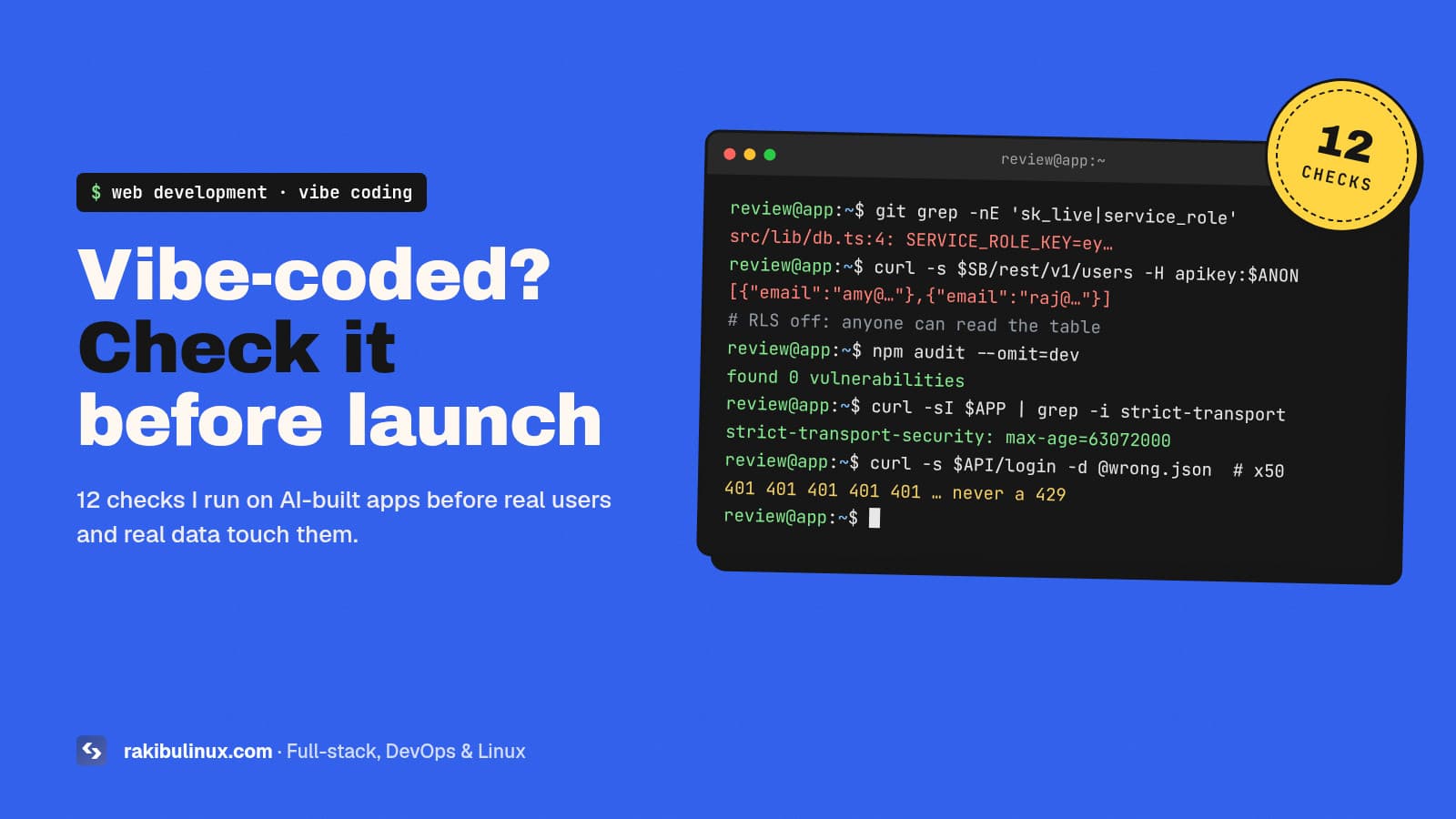
Before launching a vibe-coded app, check for leaked secrets, open database tables, missing auth checks, rate limits and risky packages. AI code fails there.
Lovable and Bolt prototypes, Cursor-built SaaS dashboards, Claude Code side projects that suddenly have paying users: when one of these lands on my desk for a review, the code usually works. It's the security that tends to break. Veracode's 2025 GenAI Code Security Report found that AI models picked an insecure option in about 45% of its test tasks, and newer models did no better than older ones. Below is the checklist I run before any of these apps goes live, in the order I run it.
Key takeaways
- The frontend is not a security boundary. Anyone can call your API or database directly with the keys in your JavaScript bundle.
- Secrets and database access cause most real incidents in vibe-coded apps: a service key in client code, or tables without Row Level Security.
- Every server route needs an auth check and an ownership check. "Logged in" is not the same as "allowed to see this record".
- AI can invent package names. Verify every dependency it adds before you install it.
- Most fixes take minutes. What makes them hard is knowing where to look, so use the list below.
Why does AI-generated code fail security reviews?
A model writes code that satisfies your prompt. "Make a page that shows the user's orders" gets you a page that shows orders. Nobody asked it to stop user A from reading user B's orders, so often it doesn't. It also copies patterns from millions of tutorials, and tutorials skip auth, validation and rate limits to stay short.
The second problem is speed. When a feature takes ten minutes instead of two days, nobody reviews the code. The checklist below fills that gap. Each item has a quick test you can run yourself.
The 12-point vibe coding security checklist
1. No secrets in the client bundle
Search the repo and the built output for keys. Anything prefixed NEXT_PUBLIC_, VITE_ or EXPO_PUBLIC_ is shipped to every visitor. A Stripe secret key, an OpenAI key or a Supabase service_role key must never have that prefix.
git grep -nE 'sk_live|sk-proj|service_role|BEGIN PRIVATE KEY' -- . ':!*.lock'
npm run build && grep -rE 'sk_live|service_role' dist .next/static 2>/dev/null
If a key was ever committed, rotate it. Deleting the line does not remove it from git history.
2. Row Level Security on every table
Supabase and Firebase apps put a public key in the browser on purpose. That's only safe when database rules decide who can read and write each row. In 2025, CVE-2025-48757 described exactly this failure in Lovable-generated apps: tables without RLS policies, readable by anyone holding the public anon key.
Test it the way an attacker would, outside your UI:
curl -s "$SUPABASE_URL/rest/v1/profiles?select=*" \
  -H "apikey: $ANON_KEY" -H "Authorization: Bearer $ANON_KEY"
If that returns other people's rows, enable RLS and write a policy such as using (auth.uid() = user_id). Repeat for insert, update and delete.
3. Every API route checks who is asking
Open each server route, server action or edge function and look for two checks: is there a session, and does this record belong to that user. The second one is the one AI forgets. A route like GET /api/invoices/:id that loads any invoice by id is an IDOR bug (insecure direct object reference), and it's one of the most common bugs in AI-written APIs.
const invoice = await db.invoice.findFirst({
  where: { id: params.id, ownerId: session.user.id }, // not just { id }
});
if (!invoice) return new Response("Not found", { status: 404 });
4. Admin pages are protected on the server
Hiding the "Admin" link in React is not access control. Check the role on the server in every admin route and server action, then try opening the admin URL while logged in as a normal user.
5. Validate input at the boundary
Parse request bodies with a schema (Zod, Valibot, class-validator) and reject anything unexpected. Watch for mass assignment: an update endpoint that spreads req.body into the database lets a user set role: "admin" on themselves.
6. No raw HTML or raw SQL from user input
Search for dangerouslySetInnerHTML, innerHTML, $queryRawUnsafe and string-built SQL. Cross-site scripting was one of the weakest areas in Veracode's tests. If you must render user HTML, sanitise it with DOMPurify first.
7. Rate limits on login, signup and anything that costs money
Fire the same wrong password 50 times. If you never get a 429, bots can brute-force accounts or burn your AI API budget overnight. Add a limiter in the app or at Nginx (limit_req_zone), and set a hard monthly spending cap on every paid API key.
8. Verify every dependency the AI added
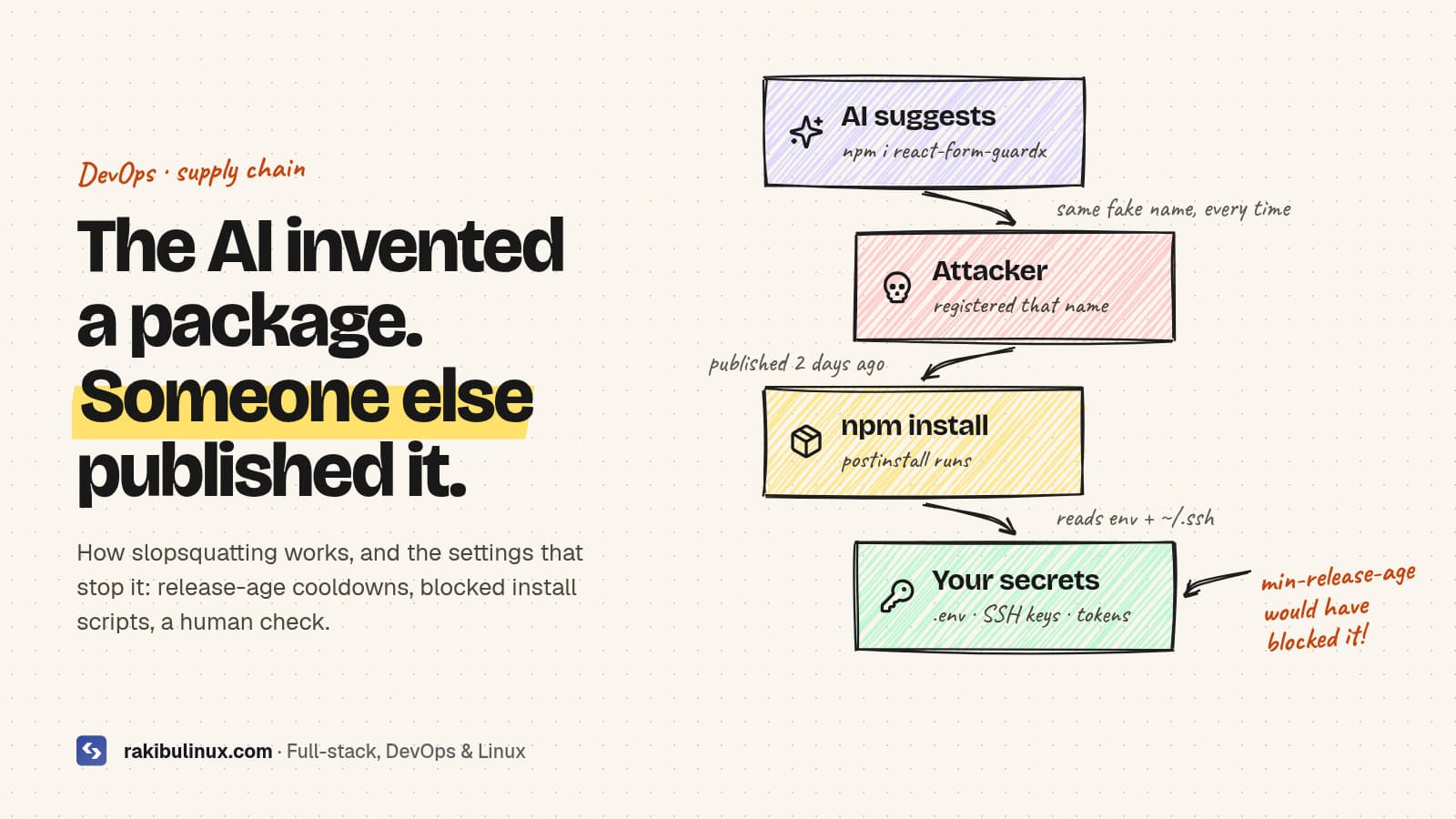
Models sometimes suggest packages that don't exist, and attackers register those names. This is called slopsquatting, and I wrote a separate guide on how to stop hallucinated npm packages. Quick version: check each new name on the registry, prefer well-known packages, and run npm audit.
9. Webhooks verify their signature
Stripe, Paddle and GitHub sign their webhooks. AI-written handlers often parse the JSON and trust it. Verify the signature with the provider's SDK, or anyone can POST a fake "payment succeeded" event.
10. File uploads are restricted
Limit size and type on the server, store files outside the web root or in object storage, generate your own file names, and never serve user uploads from your main domain as HTML.
11. Errors don't leak internals
Production responses should not include stack traces, SQL errors or environment dumps. Log the details on the server; return a short message to the client.
12. HTTPS, security headers and a hardened server
Force HTTPS, add Strict-Transport-Security, a basic Content-Security-Policy, X-Content-Type-Options: nosniff and secure, HttpOnly cookies. If you host it yourself, the server matters too: follow my Ubuntu 24.04 hardening checklist.
How to make the AI help with the review
AI is a decent reviewer once you ask it the right questions. After the build, start a fresh session and ask: "List every route and server action. For each, show the auth check and the ownership check, or say MISSING." Then ask the same about database policies and environment variables. Put your security rules in an AGENTS.md or CLAUDE.md file so every future session follows them without being reminded.
Don't let the same session that wrote the code grade it. A fresh context with a narrow, adversarial question finds far more.
What to do if you already launched
- Rotate every key that was ever in the repo or the client bundle.
- Turn on RLS (or equivalent rules) and test with the curl above.
- Check your database and provider logs for unusual bulk reads.
- Add rate limits and spending caps.
- Work through the rest of the list, then schedule a real review before your next big feature.
If you're moving off a prototype platform at the same time, my guide on taking a Lovable app to production on your own server covers the hosting side.
Frequently asked questions
Is vibe coding safe for production apps?
It can be, if a person who understands security reviews the result. The risk isn't AI writing code. It's shipping code nobody has read. With the checklist above and a human review, vibe-coded apps can be as safe as hand-written ones.
Is the Supabase anon key a secret?
No. It's designed to be public and appears in every client. Your data is protected only by Row Level Security policies, so a table without RLS is readable by anyone who has the key.
Which security issue is most common in AI-generated apps?
Missing ownership checks on API routes, missing database policies and secrets in client code are the usual suspects. All three come from the same assumption: that the UI controls what users can do.
Can I use an AI tool to audit AI-written code?
Yes, as a first pass. Use a fresh session, give it a narrow checklist, and verify what it reports with real requests. Treat it as a fast junior reviewer, not a sign-off.
How long does a security review of a vibe-coded app take?
For a typical MVP with auth, a database and payments, a focused review takes one to three days, depending on how many routes and integrations there are. Fixing the findings is usually quicker than finding them.
Want a second pair of eyes before launch?
I review and harden AI-built apps: auth, database policies, secrets, deployment and monitoring, then hand back a short report and the fixes. See my web development services or send me the repo link and tell me your launch date.
- vibe coding security
- AI-generated code
- Supabase RLS
- secrets
- web app security
- vibe coding