Docker Container Keeps Restarting? How to Fix It
 MD Rakibul Islam RakibFull-stack developer, DevOps & Linux engineer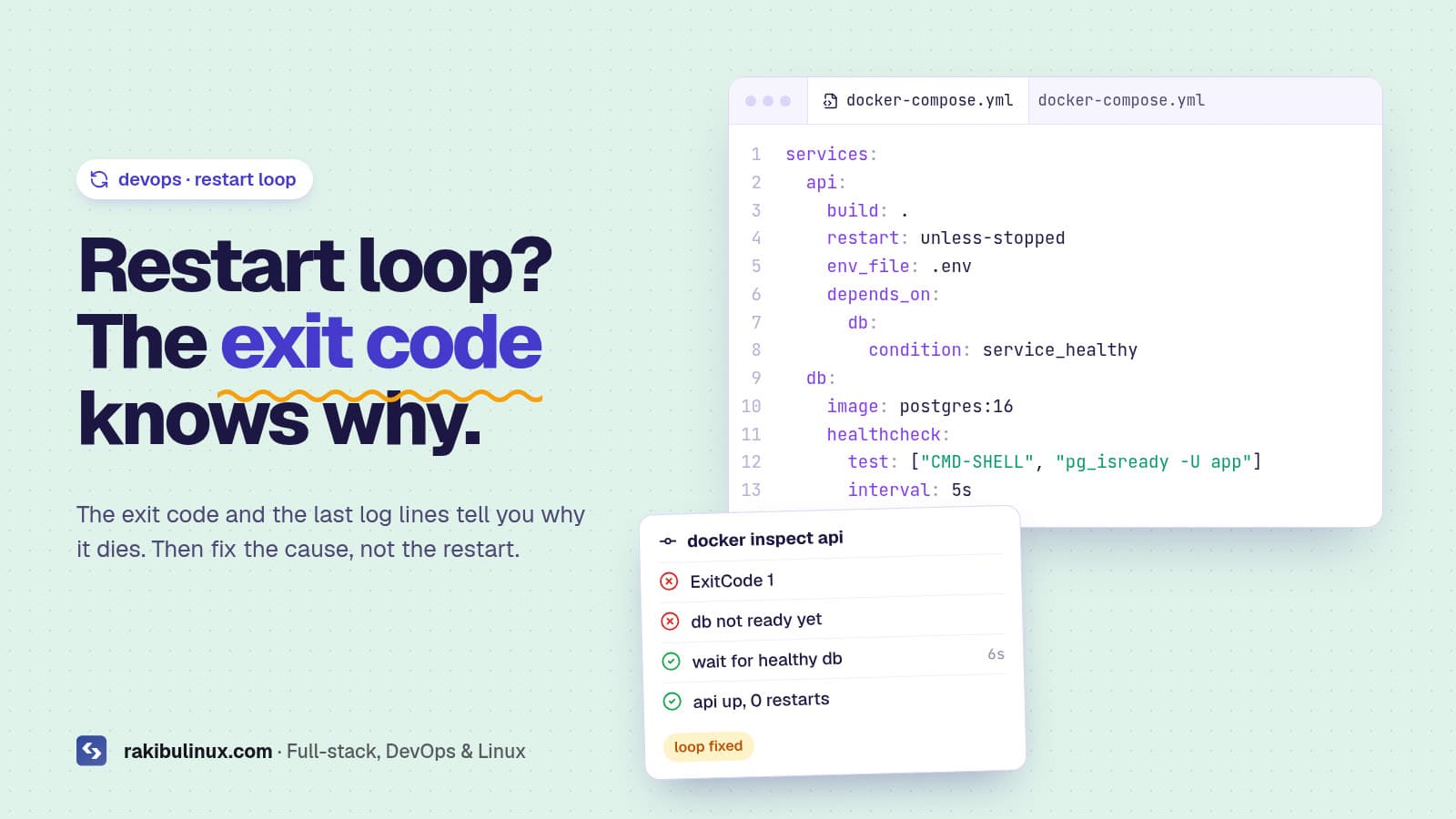
A Docker container that keeps restarting is crashing on start. Run docker logs and docker inspect to get its exit code; that tells you the cause in seconds.
docker ps shows Restarting (1) 4 seconds ago, the site is down, and restarting it again changes nothing. The restart policy is doing its job: the process inside dies, Docker starts it again, it dies again. The fix is never in the restart, it's in why the process exits. I run my own API and its database in Docker Compose, and this is the routine I use, in the order that finds the cause fastest.
Key takeaways
- Logs survive restarts:
docker logs --tail 100 <name>shows the crash from the last run even mid-loop. - The exit code narrows it down: 1 = app error, 127 = command not found, 137 = killed (often out of memory), 139 = segfault, 0 = the process simply finished.
- Pause the loop to debug:
docker update --restart=no <name>, or open a shell with a different entrypoint. - The usual causes: missing env vars, the database not ready yet, wrong CPU architecture, volume permissions, memory limits and a main process that goes to the background.
- "Unhealthy" doesn't restart anything in plain Docker or Compose. Only Swarm replaces unhealthy containers.
Step 1: Read the logs and the exit code
docker ps -a --filter name=api
docker logs --tail 100 api
docker inspect -f 'exit={{.State.ExitCode}} oom={{.State.OOMKilled}} restarts={{.RestartCount}} err={{.State.Error}}' api
With Compose, docker compose logs --tail 100 api and docker compose ps -a do the same. Watching the loop live also helps: docker events --filter container=api prints every die and start with the exit code.
Step 2: Match the exit code
- Exit 1 (or another small number): the application threw an error and quit. The last log lines say what. Most often a missing or wrong environment variable, a database or Redis it can't reach, or a migration that failed.
- Exit 0: nothing crashed, the main process just finished. Common when the command starts a daemon in the background (
service nginx start,npm start &) or runs a one-off script. A container lives only as long as its main process, so that process must stay in the foreground. - Exit 126 / 127: the command isn't executable or doesn't exist. Check the
CMD/ENTRYPOINTpath, the script's execute bit, and Windows line endings in shell scripts (\rbreaks the shebang). - Exit 137: the process got SIGKILL. If
OOMKilledistrue, it hit a memory limit. If not, something else killed it: a manualdocker kill, or the kernel when the whole host ran out of memory. - Exit 139: segmentation fault, usually a native module built for a different libc or CPU (Alpine musl vs glibc images are a classic).
- Exit 143: SIGTERM. Something stopped it on purpose, such as a deploy script or an orchestrator.
Step 3: Stop the loop and get a shell
Debugging is easier when the container isn't restarting under you:
docker update --restart=no api        # pause the policy
docker compose run --rm --entrypoint sh api   # same image, env and volumes, a shell instead of the app
# inside: check env, files, and run the start command by hand
env | sort
ls -la /app
node dist/main.js
Running the start command by hand inside the container usually shows the error with more context than the logs.
The six causes I see most
1. Missing or wrong environment variables
The app reads DATABASE_URL or a secret at boot and exits when it's missing. Typical after a deploy where .env wasn't copied, a variable was renamed, or env_file points at the wrong path. Check with docker compose config, which prints the final resolved values.
2. The database isn't ready yet
depends_on alone only waits for the database container to start, not to accept connections. Add a healthcheck to the database and wait for it:
services:
  api:
    build: .
    restart: unless-stopped
    depends_on:
      db:
        condition: service_healthy
  db:
    image: postgres:16
    healthcheck:
      test: ["CMD-SHELL", "pg_isready -U app"]
      interval: 5s
      retries: 10
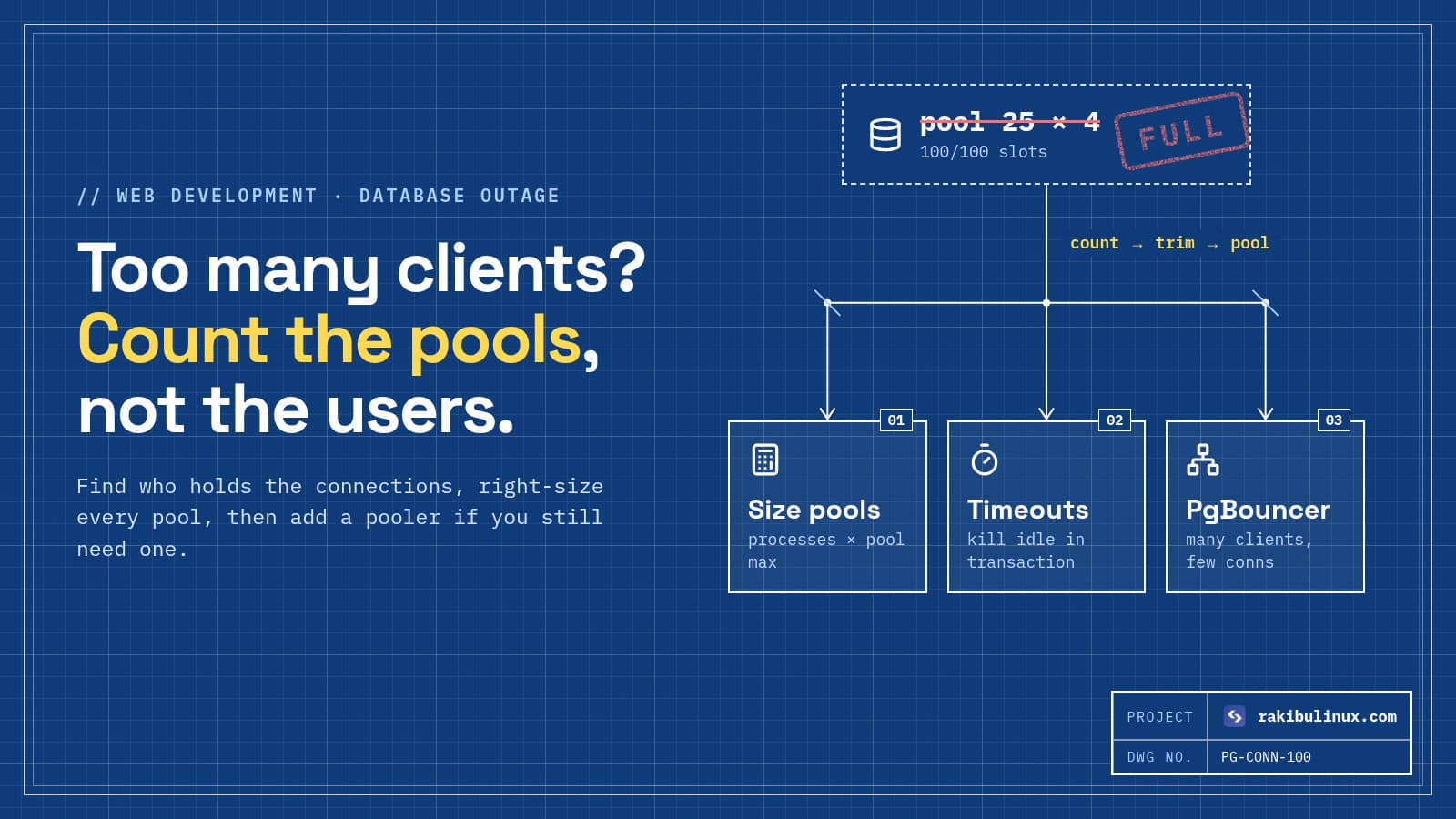
If the API restarts later with "too many clients", that's a different problem: see fixing Postgres "too many clients already".
3. "exec format error": wrong CPU architecture
An image built on an Apple Silicon Mac (arm64) won't run on most x86 VPSs, and the log shows exec format error. Build for the server's platform: docker buildx build --platform linux/amd64 -t myapp ., or build in CI on the right architecture.
4. Volume permissions
Images that run as a non-root user (Postgres, many Node images, anything with USER in the Dockerfile) crash with "permission denied" when a bind-mounted host folder belongs to another UID. Check with ls -ln on the host and id inside, then chown the folder to the container's UID.
5. Out of memory (exit 137)
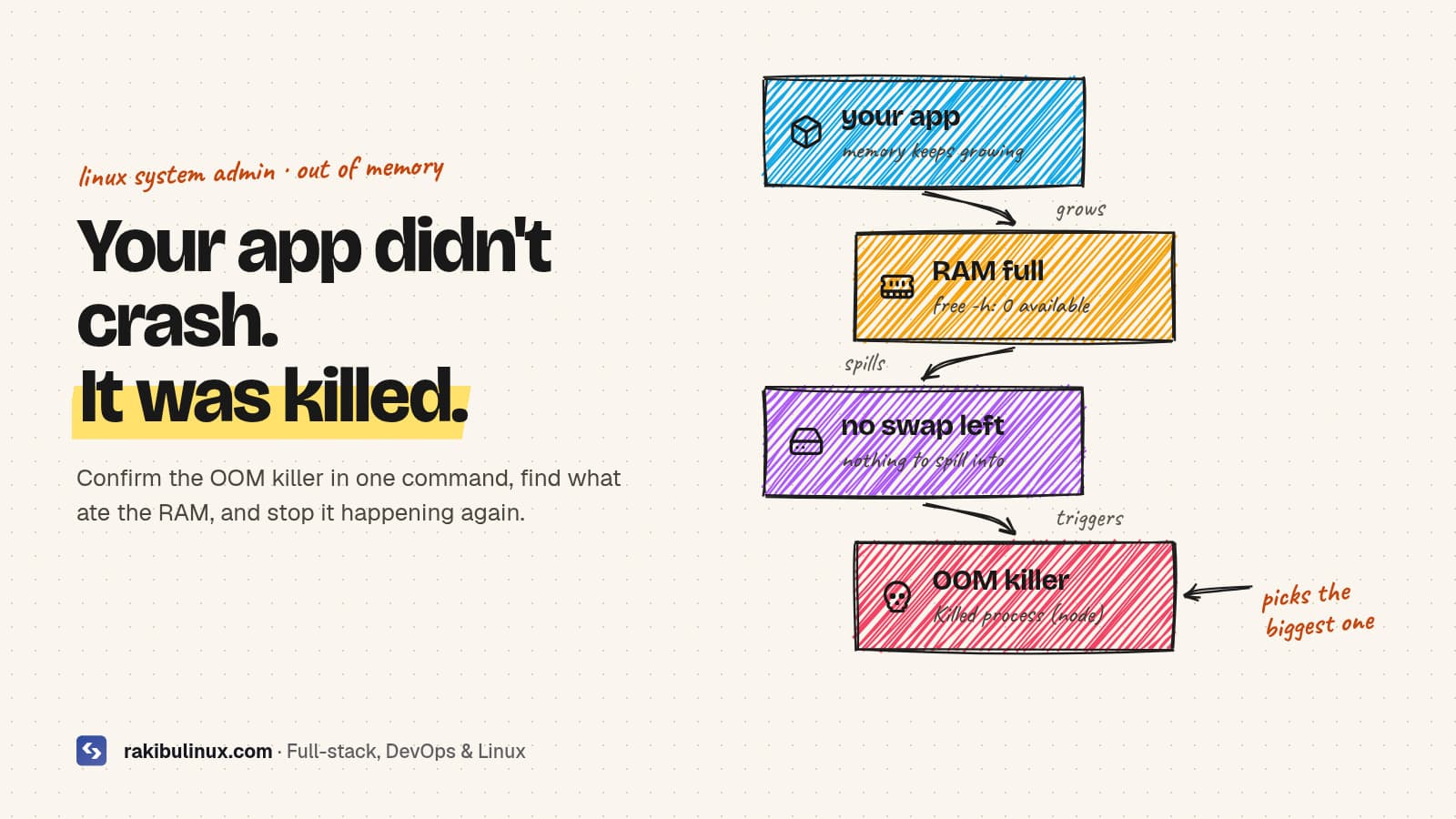
A mem_limit that's too small, or a host that's out of RAM. Raise the limit or fix the leak; for the host side, my guide to the Linux OOM killer shows how to confirm it and stop it.
6. Port or file conflicts at start
The app can't bind its port inside the container because two processes try to use it, or it finds a stale PID or lock file in a volume and refuses to start. The log says so plainly; delete the stale file or fix the duplicate process.
About healthchecks and "unhealthy"
A failing HEALTHCHECK marks the container unhealthy, but Docker Engine and Compose don't restart it for that. The restart policy only reacts when the main process exits. If you need automatic recovery from a hung (not crashed) app, make the app exit on fatal errors, or run a small watcher that restarts unhealthy containers. Swarm and Kubernetes handle this natively.
Stop it happening on the next deploy
- Health-check after every deploy and roll back automatically. My GitHub Actions deploy with auto-rollback does this, so a crash-looping release never stays live.
- Validate config at build time: fail the CI job if required env vars are missing instead of finding out on the server.
- Don't publish database ports to the internet while you're at it: Docker bypasses UFW. See why Docker ignores UFW and how to fix it.
- Watch restart counts: any container with a rising
RestartCountdeserves an alert.
Frequently asked questions
Why does my Docker container keep restarting?
Its main process exits, and the restart policy (always, unless-stopped or on-failure) starts it again. Check docker logs and the exit code with docker inspect to see why it exits; the cause is almost always in the app's configuration or environment.
What does exit code 137 mean in Docker?
The process was killed with SIGKILL. If docker inspect shows OOMKilled as true, the container hit its memory limit; otherwise it was killed by the host's OOM killer or by a manual docker kill.
How do I see logs of a container that keeps restarting?
docker logs works on a restarting container and keeps output from previous runs, so docker logs --tail 100 name shows the last crash. With Compose, use docker compose logs for the service.
How do I stop a Docker restart loop?
Run docker update --restart=no with the container name to disable the policy, or docker stop it. Then start a shell with docker compose run --rm --entrypoint sh to debug with the same image and environment.
Does Docker restart unhealthy containers?
No. Outside Swarm, a failing healthcheck only changes the status to unhealthy. Restart policies trigger when the process exits, so the app has to exit or an external tool has to restart it.
Container stuck in a restart loop right now?
I debug and fix Docker and Compose setups on Linux servers, then add the health checks, rollbacks and alerts that keep them up. See my DevOps services or contact me now with the output of docker logs and the exit code.

Written by
MD Rakibul Islam Rakib
Full-stack developer, DevOps engineer and Linux system administrator with 5+ years of production experience. I deploy, harden and fix servers and web apps for clients worldwide, and everything in this article runs on real servers I manage, including this site.
- Docker container keeps restarting
- docker restart loop
- docker exit code 137
- docker logs
- docker compose healthcheck
- exec format error
- DevOps