Crawled - Currently Not Indexed: How to Fix It
 MD Rakibul Islam RakibFull-stack developer, DevOps & Linux engineer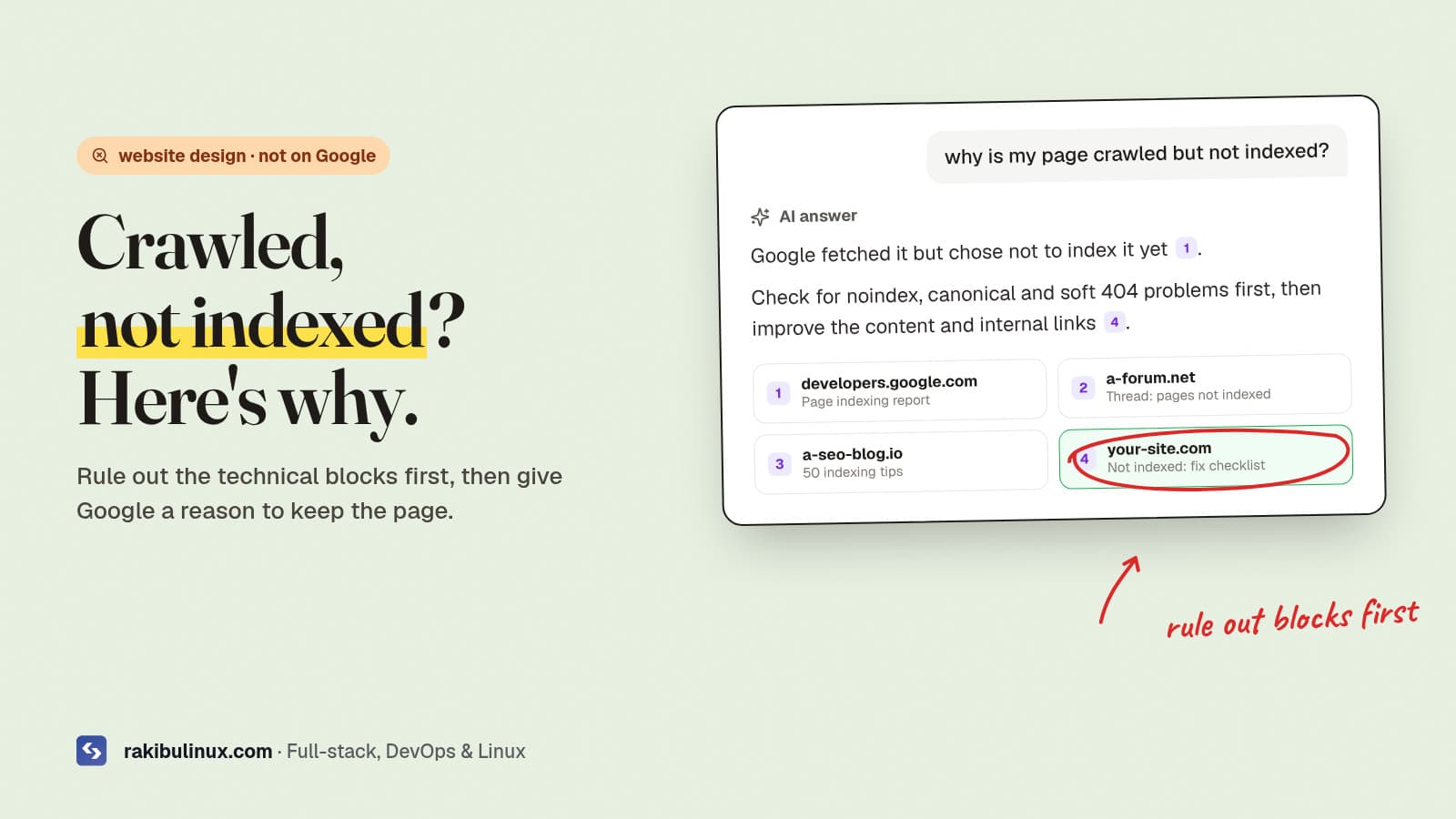
"Crawled - currently not indexed" means Google fetched your page but chose not to index it. Rule out noindex, canonical and soft 404 issues, then improve it.
You published the page, submitted the sitemap, waited, and Search Console still lists it under "Why pages aren't indexed". For a business site that means the service page or article you're counting on gets zero search traffic. The two statuses people hit most, "Crawled - currently not indexed" and "Discovered - currently not indexed", have different causes and different fixes. I went through this on this website: a stray canonical tag in the root layout was quietly pointing pages like Privacy and Terms at the homepage, and the canonical URL used the non-www domain that redirects. Here's the checklist I now use, technical blocks first, quality second.
Key takeaways
- "Discovered" = not crawled yet. Google knows the URL but hasn't fetched it, often because it looks low priority or the server is slow.
- "Crawled" = fetched and not kept. Usually a quality or duplication judgement, but rule out technical causes first.
- Use URL Inspection's live test on one affected page. It shows the canonical Google chose, any noindex, and the HTML Google actually rendered.
- Internal links are the strongest lever you control: link to the page from your homepage, service pages and related posts.
- Request indexing once, after a real fix. Re-requesting an unchanged page doesn't help.
What the two statuses mean
According to Google's Page indexing report help, "Crawled - currently not indexed" means the page was crawled but not indexed, and it may or may not be indexed later. "Discovered - currently not indexed" means Google found the URL but postponed crawling it, typically to avoid overloading the site.
Neither is an error in the technical sense. They're Google saying "not yet" or "not worth it". Your job is to remove any reason that's your fault and make the page clearly worth indexing.
Step 1: Inspect one affected URL
In Search Console, paste the URL into the top search bar (URL Inspection), then click Test live URL. Check:
- Indexing allowed? If it says no, there's a
noindexin a meta tag or anX-Robots-Tagheader. - User-declared vs Google-selected canonical. If they differ, Google thinks another URL is the main version.
- View tested page → HTML. Is your main content in the HTML Google rendered? If it's empty or a loading spinner, JavaScript rendering is the problem.
- Page fetch and HTTP status: must be successful with a 200.
From a terminal you can check the same signals quickly:
curl -sI https://www.example.com/services/web-design | grep -i -E '^HTTP|x-robots-tag|location'
curl -s https://www.example.com/services/web-design | grep -o -i -E '<link rel="canonical"[^>]*>|<meta name="robots"[^>]*>'
Step 2: Fix the technical causes
Wrong canonical
The most common one I find, and the one that hit this site. A canonical set once in a shared layout or theme makes every page point at the homepage, so Google treats them as duplicates. Each page should declare its own full, final URL as canonical: correct protocol, correct www or non-www, no redirect. If the canonical points at a URL that redirects, fix it to the destination.
Accidental noindex
Staging settings copied to production, a CMS checkbox ("discourage search engines"), or an SEO plugin rule on a category. Remove it, then request indexing.
Soft 404 and thin pages
Pages that return 200 but say "no results", "coming soon" or have a few lines of text look like empty pages. Real missing pages should return 404; thin pages need real content or should be merged.
Content only visible after JavaScript
If the HTML Google receives is an empty shell, indexing is slower and less reliable. Render important pages on the server. Next.js server components and static generation do this by default.
Duplicate URLs
The same content at ?page=1, with tracking parameters, with and without a trailing slash, or under both http and https. Pick one, redirect or canonicalise the rest, and only list the main URL in the sitemap.
Step 3: Give Google a reason to index it
If the technical checks pass and it's still "Crawled - currently not indexed", Google doesn't see enough value yet. What moves it:
- Answer the query in the first paragraph and cover it more completely than the pages already ranking. The same structure gets pages quoted by AI answers; see how to get cited by ChatGPT and AI Overviews.
- Add first-hand detail: your real process, prices you can stand behind, screenshots, the problems you actually solved. That's what generic pages lack.
- Merge near-duplicates. Five thin location or service pages with swapped city names are weaker than one strong page.
- Link to it internally from the homepage, the relevant service page and related articles, with descriptive anchor text. An orphan page tells Google it isn't important to you either.
Step 4: For "Discovered", make crawling easier
- Speed up the server. Google slows crawling when responses are slow or error out. A slow TTFB on a cheap host or an overloaded VPS shows up here.
- Cut low-value URLs: filter and sort parameters, tag pages, internal search results. Block or noindex them so crawl attention goes to pages that matter.
- Keep the sitemap clean: only canonical, indexable, 200-status URLs, with accurate
lastmoddates. - Link from pages that are already crawled often, such as the homepage and blog index.
Step 5: Request indexing and validate
After a real change, use Request indexing in URL Inspection for the most important pages (there's a daily limit, so prioritise). For a fix that affects many URLs, open the issue in the Page indexing report and click Validate fix. Google's help says validation typically takes up to about two weeks. For Bing, which also feeds ChatGPT search, submit changed URLs through IndexNow; this site pings it automatically after every publish.
Lots of pages dropping out at once, or the whole site missing, is a different problem: start with the website down checklist to rule out outages, robots.txt and server errors. If your site was built on a drag-and-drop builder and you're fighting its SEO limits, my comparison of AI website builders vs a custom site may help you decide what to do next.
Frequently asked questions
How long does it take for "Crawled - currently not indexed" to resolve?
There's no fixed time. Some pages are indexed within days of improvements and internal links; others never are if Google keeps judging them low value. If nothing changes after a few weeks, improve or merge the page rather than waiting.
What's the difference between "Discovered" and "Crawled - currently not indexed"?
Discovered means Google knows the URL but hasn't fetched it yet. Crawled means Google fetched it and decided not to index it for now. The first is usually about crawl priority and server speed, the second about duplication or content quality.
Does requesting indexing again help?
Not for an unchanged page. Request indexing once after you've fixed something or substantially improved the content, then give Google time to re-evaluate.
Can a wrong canonical tag stop pages being indexed?
Yes. If a page's canonical points to another URL, Google may treat it as a duplicate and index only the other one. Every page should point its canonical at its own final URL unless it really is a duplicate.
Should I delete pages that aren't indexed?
Delete or merge pages that have no value for visitors, such as empty tag pages or near-duplicate service pages. Pages that matter for your business should be improved and linked, not deleted.
Your key pages still not on Google?
I audit and fix the technical SEO of business websites, from canonicals and rendering to internal links and page content, and build sites that get indexed and cited from day one. See my website design services or contact me with your domain and a screenshot of the Page indexing report.

Written by
MD Rakibul Islam Rakib
Full-stack developer, DevOps engineer and Linux system administrator with 5+ years of production experience. I deploy, harden and fix servers and web apps for clients worldwide, and everything in this article runs on real servers I manage, including this site.
- crawled currently not indexed
- discovered currently not indexed
- page not showing on Google
- Search Console page indexing
- canonical tag
- technical SEO