3PL Warehouse Management System: Build or Buy (2026)
 MD Rakibul Islam RakibFull-stack developer, DevOps & Linux engineer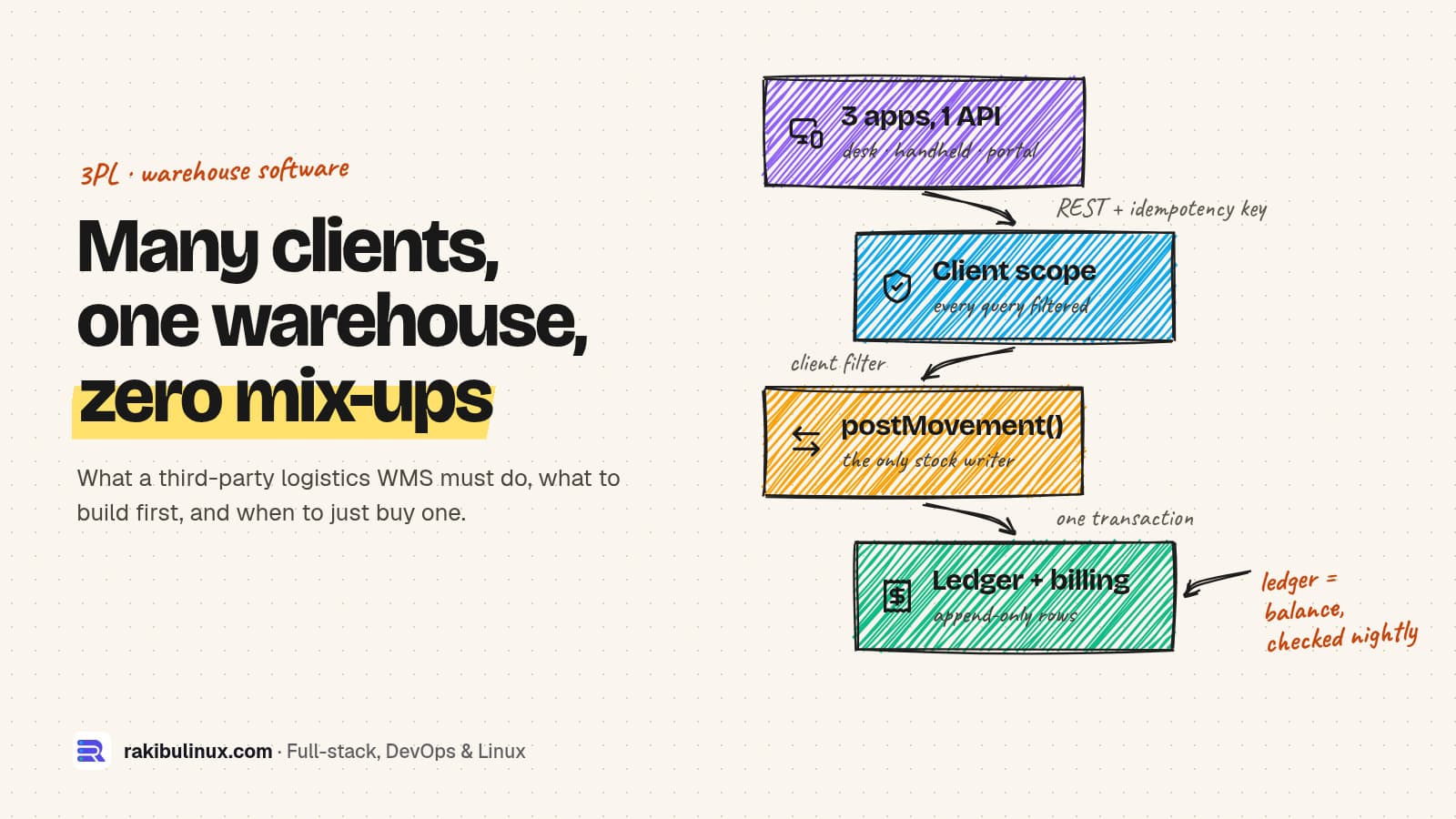
A 3PL warehouse management system must keep each client's stock apart, record billable work as it happens and keep handhelds working on patchy Wi-Fi.
I built a self-hosted warehouse management system for a third-party logistics business: several warehouses, several client companies, from the receiving dock to the truck. The software is finished and passes all of its automated checks; the next step is acceptance testing with real pickers on the floor. This guide is what I'd tell any 3PL owner before they buy or build: what the system has to do, which decisions are cheap on day one and painful later, and when a ready-made WMS is the smarter choice.
Key takeaways
- Client separation is the first feature, not a setting. One client seeing another's stock is the worst bug a 3PL can have. Put the client on every stock row from day one.
- Capture billable events from the start. You can build invoices later, but you can't bill for handling you never recorded.
- Stock changes in one place, into an append-only ledger. Balances are derived from it and checked against it.
- The handheld app makes or breaks adoption. One scan per screen, loud errors, and actions that queue when Wi-Fi drops.
- Buy if a SaaS WMS fits most of your process. Build when your billing, clients or workflows are your competitive edge.
What makes a 3PL different from a normal warehouse
A company warehouse stores its own goods. A 3PL stores other companies' goods and sells the handling as a service. That changes the software in four ways:
- Ownership: every pallet, every order and every ledger row belongs to a client, and staff often work for several clients in one shift.
- Billing: clients pay for receiving, storage per day or per pallet, picks, packing materials and special handling, each from their own rate card.
- Visibility: clients want a portal with their stock, orders, receipts and shipments, without emailing your team.
- Rules per client: expiry-first picking for one, serial numbers for another, a specific carton or label for a third.
The features a 3PL WMS actually needs
The feature list for my build was modelled on what the large platforms treat as basic, because a warehouse that only has "receive" and "pick" outgrows its software within months.
Inbound
- Receiving against purchase orders and advance shipping notices, with lot, expiry, damage and quality checks.
- License plates (LPNs) so a pallet moves as one scan, not 30 separate items. Adding them later means migrating the stock data.
- GS1-128 barcode parsing: one scan carries the product code, lot, expiry and serial, turning a five-field form into one scan.
- Directed putaway that records which rule chose the bin, and cross-docking straight to a waiting order.
Inventory and control
- Stock statuses as data (available, quarantine, damaged) that decide what may be picked or shipped.
- Cycle counts, replenishment, slotting rules, returns and transfers.
- Traceability: "which customers received lot X" answered in one query, for recalls.
- An exceptions queue (short picks, full locations, unreadable labels) with owners and time limits.
Outbound
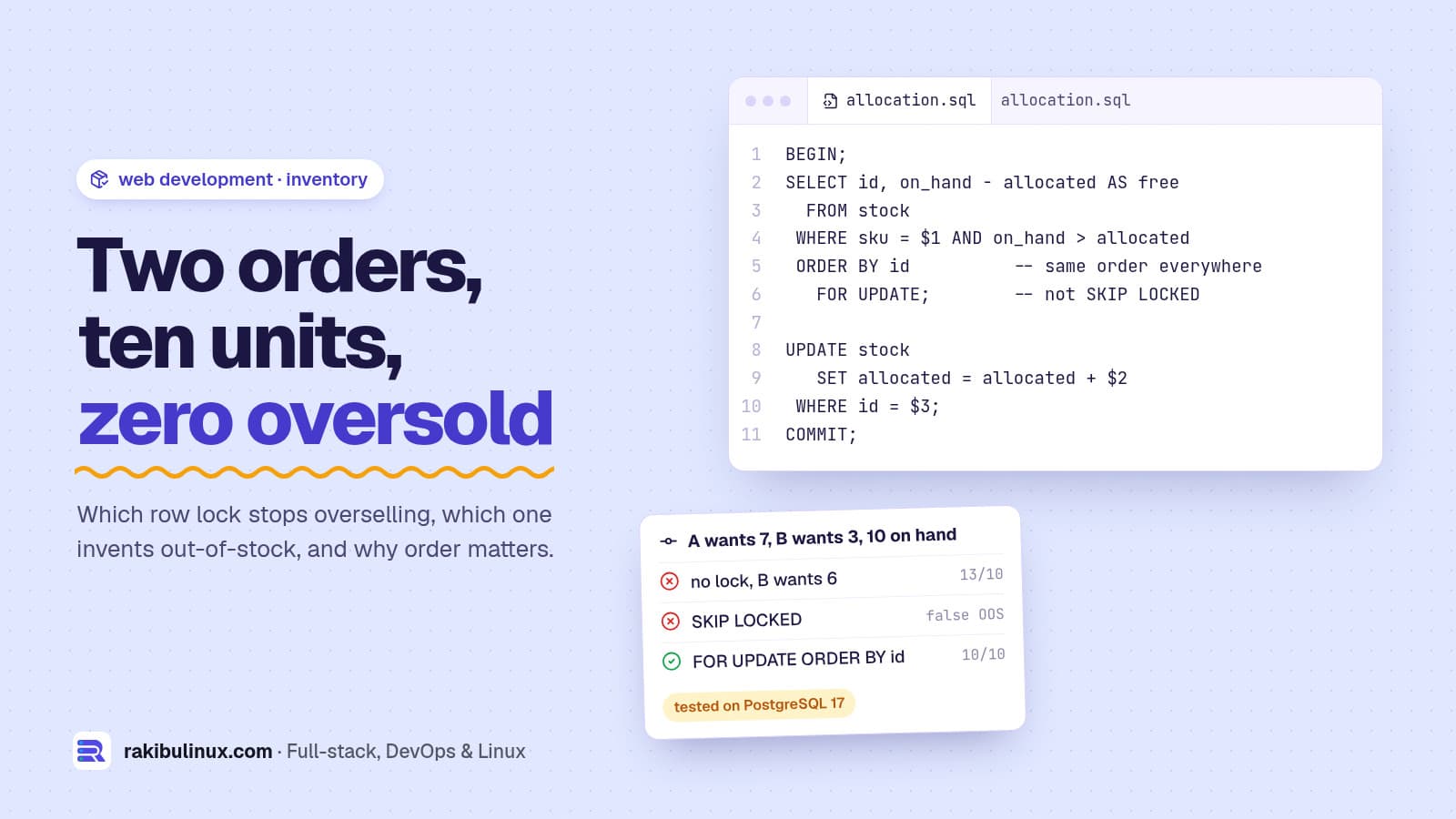
- Soft reservation when an order arrives, hard allocation with row locks before picking. I tested the locking choices in how to prevent inventory overselling.
- Waves and pick tasks sorted in walking order.
- Packing with a carton suggestion, a weight check and labels printed straight to Zebra printers.
- Shipments, manifests and bills of lading from the same data.
Cheap on day one, painful later
These are the decisions I'd lock before writing any screen:
- Client on every row, filtered centrally. In my system the client filter isn't something each screen remembers to add. Middleware injects it into every database query, and a dedicated check script tries to break it. Raw SQL is the one hole, so those queries carry their own filter.
- One function writes stock. Receiving, picking, counts, adjustments and returns all call the same function. It appends to the ledger, updates the balance, records the billable event and queues outgoing notifications in one transaction.
- The ledger is append-only. A database trigger refuses edits and deletes; corrections are reversing rows. A nightly job checks the balances still match the ledger.
- Decimals, not floats, for quantities and money, and database constraints that refuse negative stock even if the code has a bug.
- Idempotency keys on every write, because double scans and double taps happen all day.
- A tamper-evident audit trail: every change is linked by a hash chain computed in the database.
- Retention decided up front: how long you keep the ledger, the audit trail and raw scan events.
The handheld app is where projects fail
If pickers hate the handheld, they find workarounds within a week and your stock data is wrong. The rules I built to:
- One scan per screen, with large touch targets and fonts for gloved hands and bad lighting.
- Scan instead of type. Confirm a location by scanning it. A standard keyboard-wedge scanner just types and presses Enter, so the whole integration is one focused input:
<input
  autoFocus
  inputMode="none"   // scanner input only, no on-screen keyboard
  onKeyDown={(e) => e.key === 'Enter' && onScan(e.currentTarget.value)}
/>
- Loud errors: full screen, red, a sound, and an acknowledgement. A small toast gets missed and the pallet goes to the wrong bay.
- Auto-advance to the next task when one is done.
- Queue actions offline. Each action is saved on the device with its idempotency key and sent when the connection returns, with a badge showing how many are waiting. The server stays the only source of truth for stock.
The same thinking runs through my RFID asset audit app for ERPNext, which saves every scan on the device until the user submits.
Build or buy?
Be honest about which of these you are:
- Buy a SaaS WMS if it covers most of your process, you're happy with its billing model and its data hosting, and you don't want to own software. It is the fastest route, and the right one for many 3PLs.
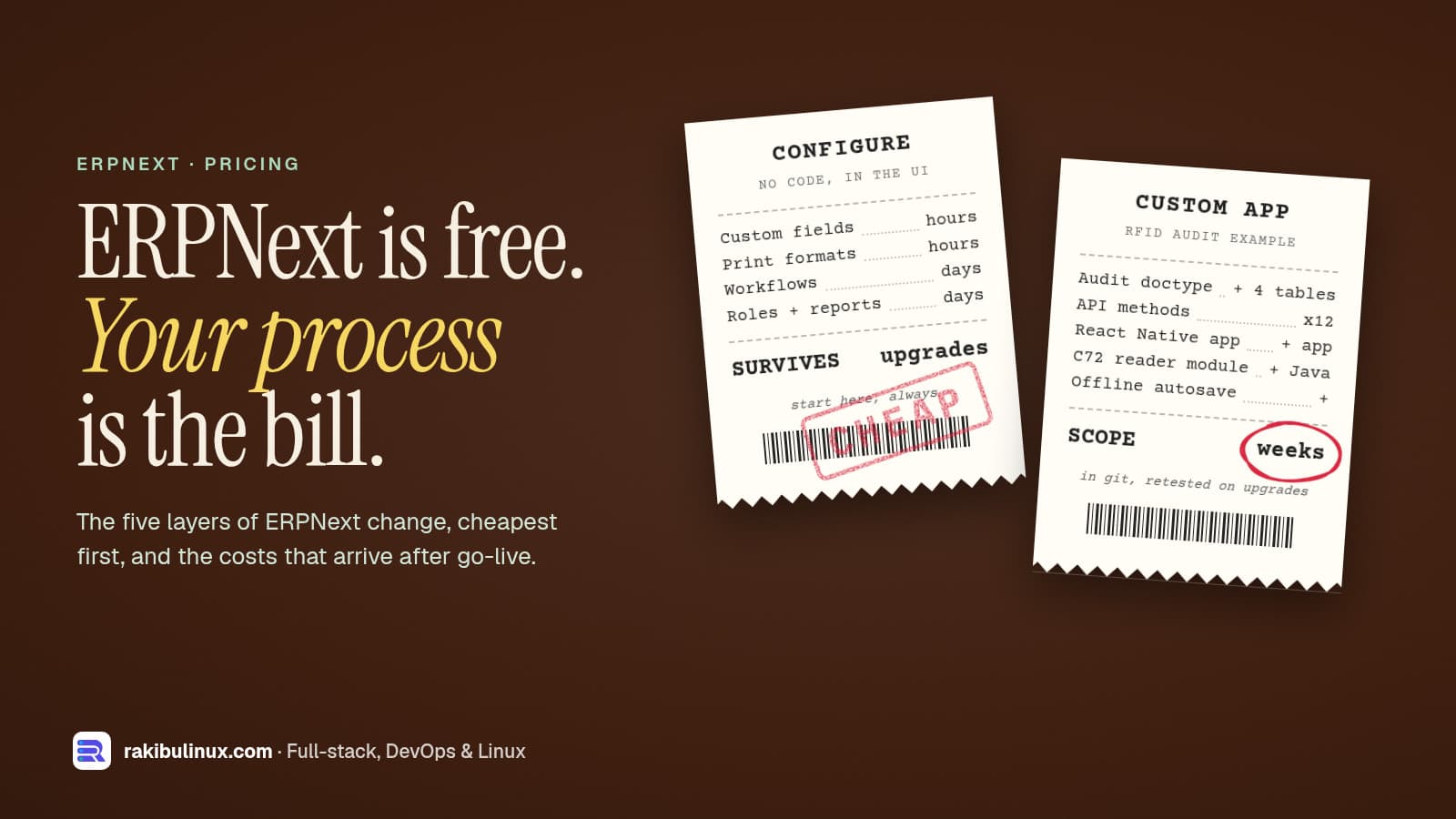
- Extend an ERP like ERPNext if you already run it for accounting. Its stock module is solid for one company's goods, but client ownership, 3PL billing and a client portal need custom work. My ERPNext customization cost guide explains what that involves.
- Build when the way you handle and bill clients is part of what you sell, when per-user or per-order fees grow faster than your margin, or when you must own the data and run without any paid service. My build uses only self-hosted, free components; carrier APIs, cloud storage and error tracking are optional add-ons.
A custom build is a bigger upfront investment and needs someone to support it. Go in with a fixed scope and milestones, not an open-ended "build us a WMS".
What I left out of version one, on purpose
Every item below is useful. Each also has a clear trigger for when to build it, which keeps version one shippable:
- Invoicing screens: billable events are captured from day one, so the invoice screen can come when finance asks.
- A slotting optimizer: it needs months of real movement data; simple slotting rules ship first.
- EDI with retailers: when a retail partner requires it. The integration hooks are already there.
- Voice picking, RFID, robots and conveyors: when volume pays for the hardware.
- A native mobile app: the handheld web app comes first; native only for a specific need it can't meet.
- Microservices, Kafka and similar: not needed. One PostgreSQL-backed application on one server is the right size here; split it only when measurements say you must.
How I tested it before anyone touched it
- 17 automated check suites run against the real database and API.
- The most important one walks a product through the whole warehouse over HTTP (receive, put away, allocate, wave, pick, pack, ship) and checks the ledger equals the balance at both ends.
- Another opens 84 screens in headless Chrome at handheld size and fails on any console error, failed request, sideways scroll or button too small for a gloved thumb.
- A load test with about 100,000 stock records and 130,000 ledger rows.
Frequently asked questions
What is the difference between a WMS and a 3PL WMS?
A 3PL WMS adds client ownership of stock, per-client billing and a client portal on top of normal warehouse functions. Every query and report must respect which client owns what.
Can a WMS work with ordinary barcode scanners?
Yes. Keyboard-wedge scanners type the barcode and press Enter, so any web app with a focused input works with them. Handheld Android computers with built-in scanners behave the same way.
Should a WMS be cloud or self-hosted?
Both work. Self-hosted gives you a fixed server bill and full ownership of your data; cloud saves you running servers. Either way the warehouse needs a plan for internet or Wi-Fi outages, which is why the handheld app queues actions.
How long does it take to build a custom WMS?
It depends on scope. A focused version for one warehouse's core flows is much smaller than the multi-warehouse, multi-client system described here. I scope it in phases so you get a working core first.
Can a WMS integrate with Shopify, ERPNext or my ERP?
Yes, through APIs, webhooks or CSV imports. Use an outbox table so an order or stock update is never lost if the other system is down when you send it.
Running a warehouse or a 3PL?
I build warehouse and inventory systems, handheld scanner apps and client portals, self-hosted or in the cloud. See my web development services or ask for a walkthrough of the 3PL system.

Written by
MD Rakibul Islam Rakib
Full-stack developer, DevOps engineer and Linux system administrator with 5+ years of production experience. I deploy, harden and fix servers and web apps for clients worldwide, and everything in this article runs on real servers I manage, including this site.
- 3PL warehouse management system
- custom WMS development
- WMS build vs buy
- 3PL billing software
- warehouse handheld scanner app
- inventory ledger
- self-hosted WMS