Deploy Next.js 16 on a VPS: PM2, Nginx, Zero Downtime
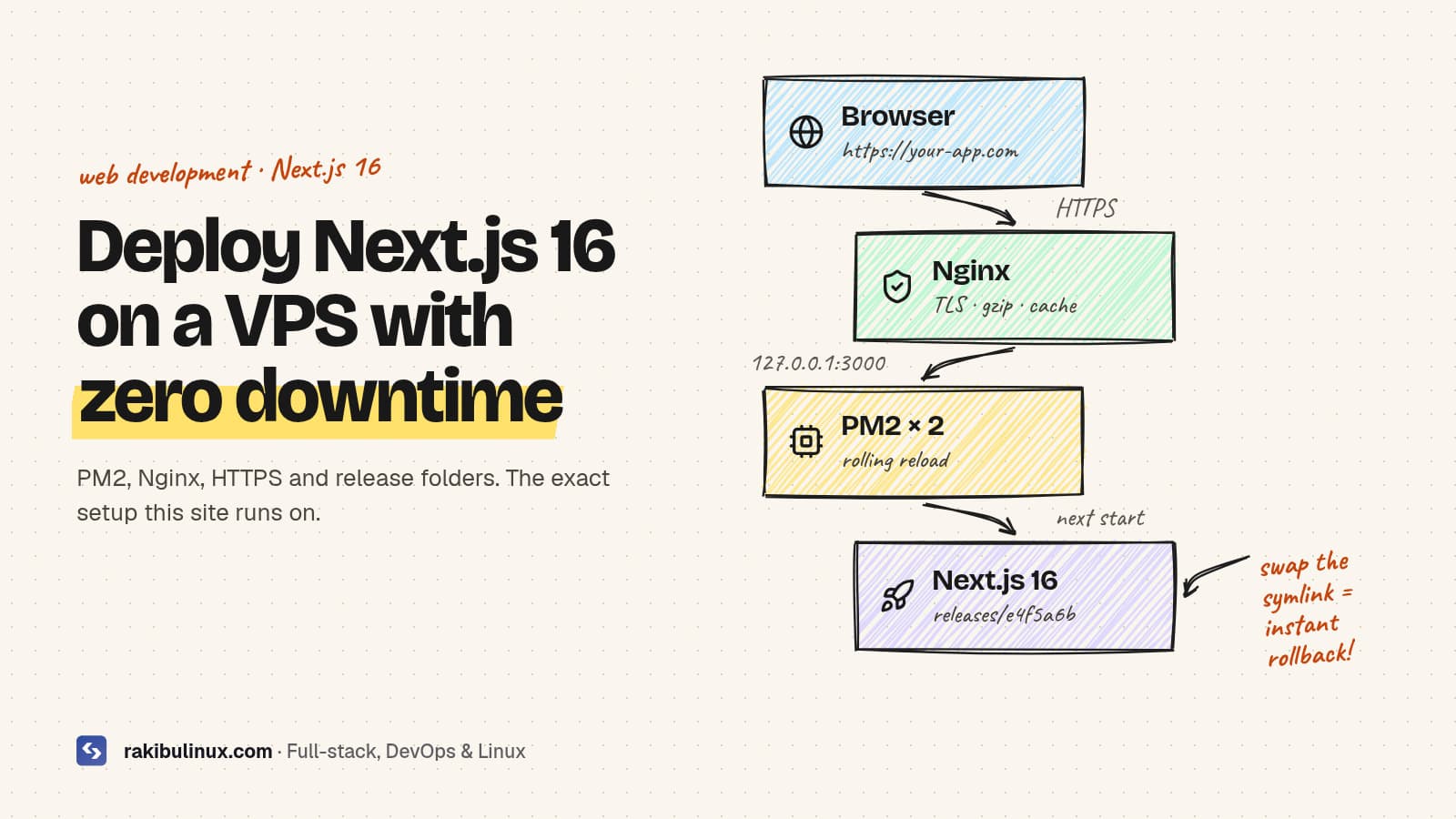
Deploy Next.js 16 on a VPS by building on the server, running PM2 behind Nginx with HTTPS, and swapping release folders for zero-downtime deploys and rollbacks.
This exact setup runs the website you are reading right now: a Next.js 16 App Router site with React 19, served by PM2 on an Ubuntu VPS behind Nginx, deployed automatically from GitHub. It costs a fraction of a managed platform, handles traffic spikes well, and I can roll back a bad release in seconds. Below is the full playbook, including the small details that tutorials usually skip.
Key takeaways
- Next.js 16 needs Node.js 20.9 or newer. Use the current LTS.
- PM2 keeps the app alive, restarts it on crashes and on reboot, and can run several instances.
- Nginx terminates HTTPS, compresses responses and caches
/_next/staticfiles for a year. - Release folders + a
currentsymlink give you zero-downtime deploys and one-command rollbacks. NEXT_PUBLIC_*variables are baked in at build time. Changing them means rebuilding, not just restarting.
What you need
- A VPS with at least 2 GB RAM (builds are memory hungry; 4 GB is comfortable). Ubuntu 24.04 LTS is my default.
- A domain pointing at the server (an A record for
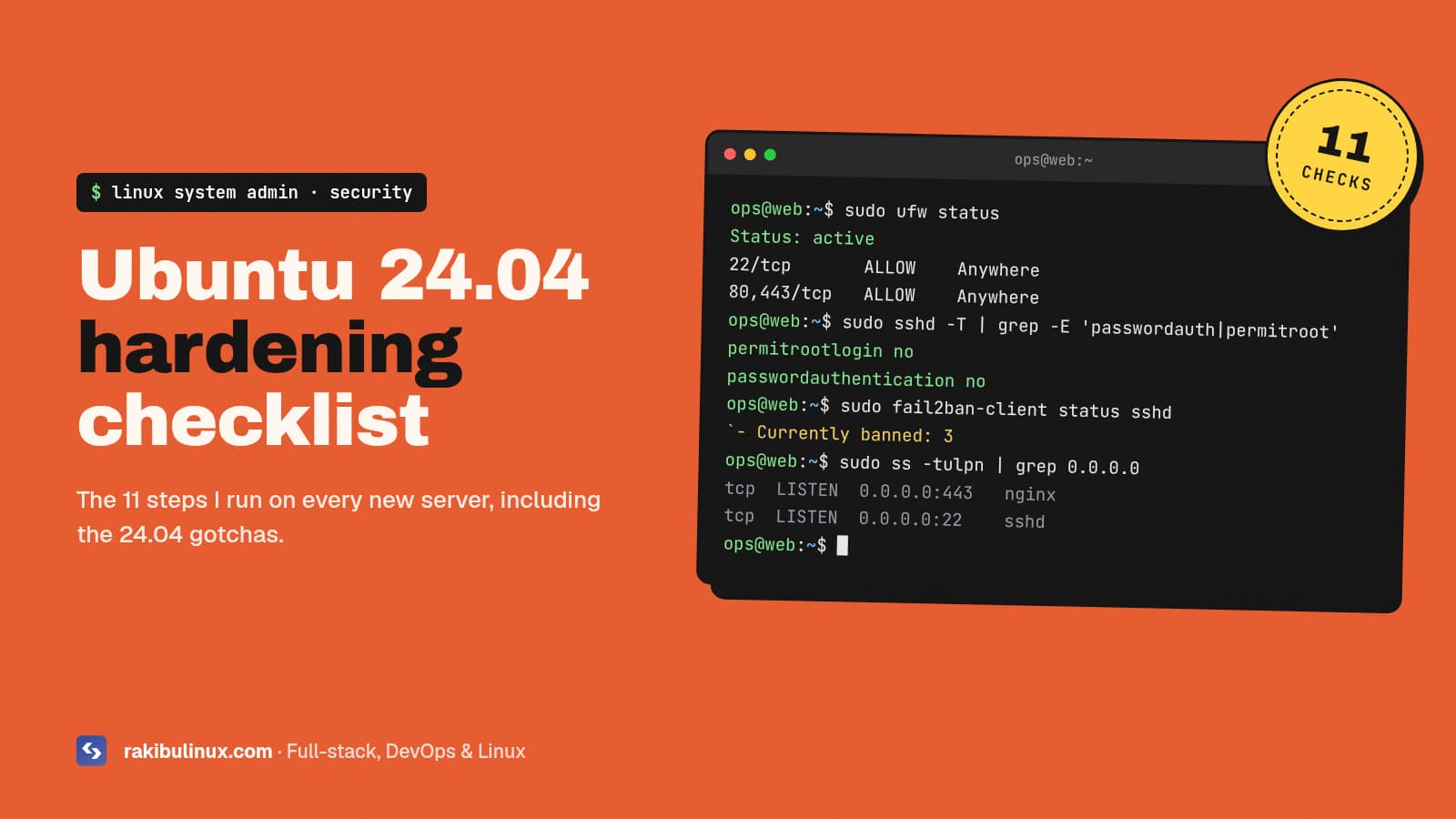
wwwand the apex). - A non-root user with sudo, SSH keys, and a firewall. If you have not done this yet, follow my Ubuntu 24.04 hardening checklist first.
Step 1: Install Node.js, PM2 and Nginx
sudo apt update && sudo apt install -y nginx git
# Node.js LTS from NodeSource (or use nvm / fnm if you prefer)
curl -fsSL https://deb.nodesource.com/setup_lts.x | sudo -E bash -
sudo apt install -y nodejs
sudo npm install -g pm2
node -v   # must be 20.9+ for Next.js 16
If your project uses bun or pnpm, install it now too. This site builds with bun; the steps are identical.
Step 2: Use a release folder layout
The single biggest upgrade over "git pull and restart" is building each deploy in its own folder. The live app never sees a half-built .next directory.
/srv/myapp/
├── releases/
│   ├── 20261005-0912-a1b2c3d/
│   └── 20261005-1430-e4f5a6b/
├── shared/
│   └── .env.local        # secrets live here, symlinked into each release
└── current -> releases/20261005-1430-e4f5a6b
A deploy becomes: clone the commit into a new release folder, link the shared env file, install, build, then point current at it. Rolling back is pointing current at the previous folder.
Step 3: Build the app
REL=/srv/myapp/releases/$(date +%Y%m%d-%H%M)-$(git rev-parse --short HEAD)
git clone --depth 1 https://github.com/you/myapp.git "$REL"
ln -s /srv/myapp/shared/.env.local "$REL/.env.local"
cd "$REL" && npm ci && npm run build
Two production details:
- Environment variables. Anything starting with
NEXT_PUBLIC_is inlined into the JavaScript bundle duringnext build. The env file must exist before the build. - Image optimization.
next/imageusessharpon the server. Recent Next.js versions install it automatically; if you see slow or failing image requests, check that it built for your platform.
Optional: set output: "standalone" in next.config.ts to get a minimal server.js with only the dependencies you need. It is great for Docker images. For a plain VPS, next start is simpler and works fine.
Step 4: Run it with PM2
Create ecosystem.config.js outside the releases folder so it survives deploys:
module.exports = {
  apps: [{
    name: "myapp",
    cwd: "/srv/myapp/current",
    script: "node_modules/next/dist/bin/next",
    args: "start -p 3000",
    instances: 2,            // or "max" for one per CPU core
    exec_mode: "cluster",
    max_memory_restart: "800M",
    env: { NODE_ENV: "production" },
  }],
};
pm2 start /srv/myapp/ecosystem.config.js
pm2 save
pm2 startup   # prints a command; run it so PM2 starts on boot
Cluster mode with two or more instances lets pm2 reload myapp restart workers one at a time, so there is always a process answering requests.
pm2 reload restarts workers one at a time. While one loads the new release, Nginx keeps sending traffic to the other, so visitors never see downtime.One caveat with several instances: each one keeps its own in-memory and on-disk cache for ISR and revalidateTag. On a single VPS this is usually fine. If you see stale pages after revalidation, run one instance or configure a shared cache handler.
Step 5: Put Nginx in front
server {
    listen 80;
    server_name www.example.com example.com;

    location /_next/static/ {
        proxy_pass http://127.0.0.1:3000;
        add_header Cache-Control "public, max-age=31536000, immutable";
    }

    location / {
        proxy_pass http://127.0.0.1:3000;
        proxy_http_version 1.1;
        proxy_set_header Host $host;
        proxy_set_header X-Real-IP $remote_addr;
        proxy_set_header X-Forwarded-For $proxy_add_x_forwarded_for;
        proxy_set_header X-Forwarded-Proto $scheme;
        proxy_set_header Upgrade $http_upgrade;
        proxy_set_header Connection "upgrade";
    }
}
sudo nginx -t && sudo systemctl reload nginx
sudo apt install -y certbot python3-certbot-nginx
sudo certbot --nginx -d example.com -d www.example.com
Certbot adds the HTTPS server block and renews certificates automatically. For SEO, pick one canonical host (I use www) and 301-redirect the other one in a single hop. Mixed hosts split your ranking signals.
Keep port 3000 closed in the firewall. Only Nginx should talk to Next.js.
Step 6: Zero-downtime deploys and instant rollback
Put the steps into one script so every deploy is identical:
#!/usr/bin/env bash
set -euo pipefail
APP=/srv/myapp
SHA=$1
REL=$APP/releases/$(date +%Y%m%d-%H%M)-${SHA:0:7}
PREV=$(readlink -f $APP/current || true)

git clone --quiet https://github.com/you/myapp.git "$REL"
git -C "$REL" checkout --quiet "$SHA"
ln -s $APP/shared/.env.local "$REL/.env.local"
(cd "$REL" && npm ci && npm run build)

ln -sfn "$REL" $APP/current
pm2 reload myapp --update-env

# health check, roll back on failure
sleep 5
if ! curl -fsS --max-time 10 http://127.0.0.1:3000/ >/dev/null; then
  echo "health check failed, rolling back"
  ln -sfn "$PREV" $APP/current
  pm2 reload myapp --update-env
  exit 1
fi

# keep the 5 newest releases
ls -1dt $APP/releases/* | tail -n +6 | xargs -r rm -rf
Because the build happens in a fresh folder while the old release keeps serving traffic, a failing build never takes the site down. The only switch is an atomic symlink change plus a rolling reload.
The next step is triggering this script from GitHub on every push to main. I explain the full pipeline, including a locked-down deploy key, in GitHub Actions CI/CD to a VPS with automatic rollback.
Performance checklist after go-live
- Run Lighthouse on the homepage and a blog post. Your hero heading or image is usually the LCP element; do not hide it behind a fade-in animation.
- Confirm
/_next/staticresponses return the long cache header. - Check
pm2 monitmemory over a day and tunemax_memory_restart. - Set up uptime monitoring (UptimeRobot, Better Stack or a simple cron + curl) so you hear about downtime before customers do.
Frequently asked questions
Can Next.js 16 run without Vercel?
Yes. next start is a full Node.js server that supports the App Router, server components, server actions, ISR, middleware and image optimization. Some platform extras, like Vercel's edge network and preview URLs, you replace with your own tools.
How much RAM does a Next.js VPS need?
Running a typical site uses a few hundred MB per instance. Building is the heavy part; 2 GB works for small apps, 4 GB is comfortable. Add swap on small servers so builds do not get killed.
Should I use Docker or PM2?
Both are good. PM2 on the host is simpler for one or two apps on a single server. Docker (often with output: "standalone") is better when you run many services or want identical environments everywhere.
Is self-hosting Next.js cheaper than Vercel?
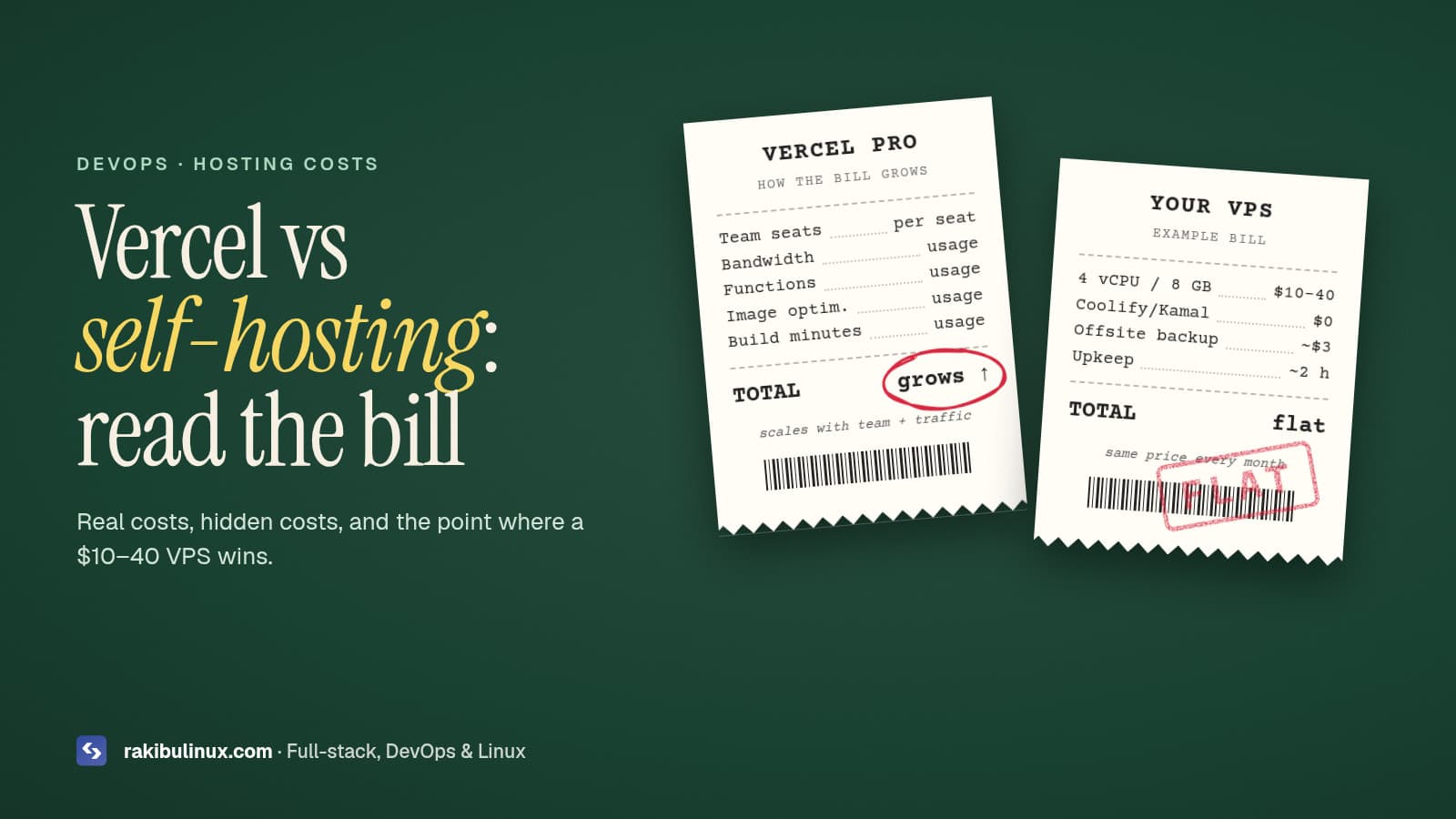
Usually, yes, once you have real traffic or several projects. I broke down the numbers in Vercel vs self-hosting in 2026.
How do I roll back a bad deploy?
With the release-folder layout, point the current symlink at the previous release and run pm2 reload. It takes seconds and needs no rebuild.
Want this set up for your app?
I deploy Next.js, Node.js and NestJS apps to VPS servers with HTTPS, CI/CD, monitoring and backups, and hand over clear documentation. Browse my web development services, see recent projects, or tell me about your app.
- Next.js 16
- deploy Next.js
- VPS
- PM2
- Nginx
- self-hosting
- zero downtime